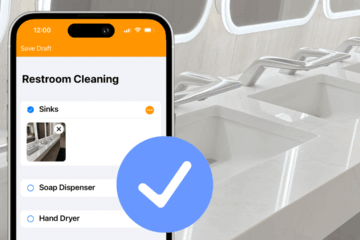
Looking to start using checklists for your frontline staff? Our new checklist template library is a great place to start.
Customize high-quality templates from industry experts, rather than re-inventing the wheel… or the restroom cleaning checklist).
The library is stocked with more than two dozen forms to customize within OrangeQC. It includes forms licensed directly from APPA and ISSA, as well as forms we’ve developed in-house based on industry best practices.
How to access checklist templates
You’ll now find a “Checklist Templates” tab at the top of the Template Library on the Setup tab. Here’s how it looks:
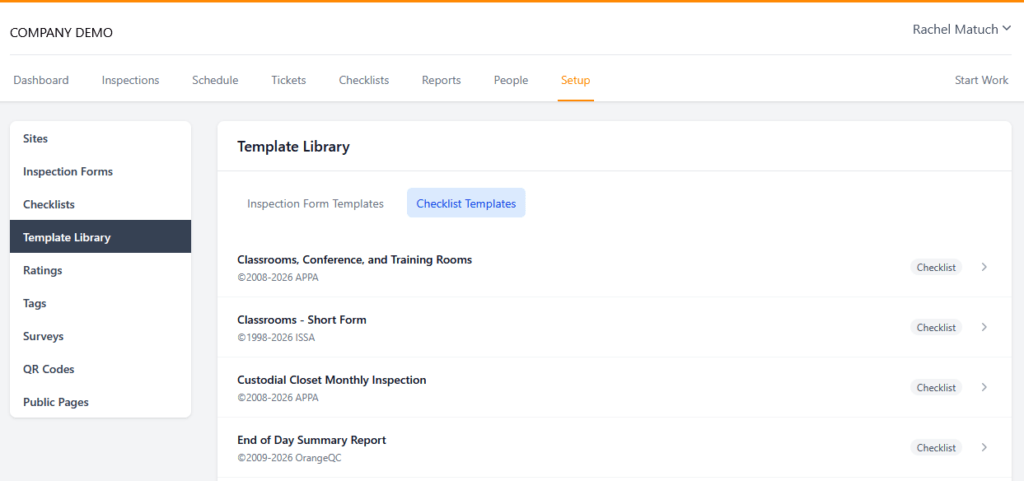
If you’ve used our inspection form templates before, you already know this process. Here’s a quick run-down:
- Open the template you’d like to review and click “Copy Template” in the upper right-hand corner.
- Make any edits you’d like to the directions, line items, descriptions, and ratings.
- After you’ve saved the form, click “More” in the upper right-hand corner and choose “Bulk Assign.”
- Choose the areas where you’d like to assign the checklist, then review and save.
Here’s the full guide to setting up a new form from a template.
More templates to come
We plan to keep growing this library as a resource for teams across industries. If you have a form you’d like to request, let us know!