QR codes that know who & where you are

When QR codes are smarter, your setup is simpler

QR codes that send everyone to the right place

If someone logged into your OrangeQC account scans the QR code, they’ll jump straight to that area in the app. If someone without the app scans the code, it will bring up a page you can customize with your branding, messaging, and service logs.

One code for everyone

An icon of two hands shaking between a client and vendor.

Clients

Showcase your transparency with cleaning and inspection logs that update automatically.
An icon of a building with an entry arrow that depicts building visitors.

Visitors

Make it easy for building visitors or occupants to report problems.

An icon of a spray bottle and checklist that depicts fast service validation.

Custodians​

Create a shortcut to cleaning checklists for fast service validation.

An icon of a clipboard and magnifying glass that depicts easy access to all inspection and audit forms.

Inspectors

Give supervisors easy access to all of the inspection and audit forms for the area.

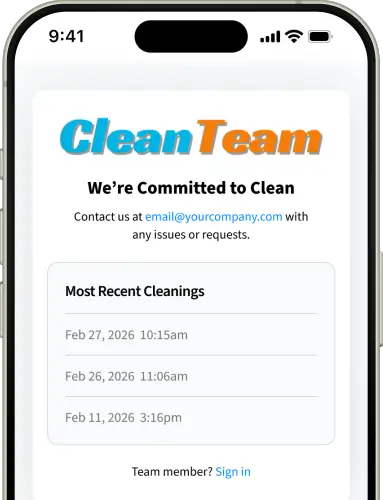
Automatically updated cleaning and inspection logs​

Create custom pages visible to anyone who scans your QR code without the OrangeQC app.

  • Add your logo and custom text for a professional look.

  • Share the dates and times of your most recent service or inspections.

  • Simplify reporting compliance for your contract or local regulations.

  • Provide contact information in case of building emergencies, maintenance issues, or servicing needs.

A photo featuring a mobile phone mockup displaying real-time cleaning and inspection logs via a custom QR code page. displayed to the left of the image.
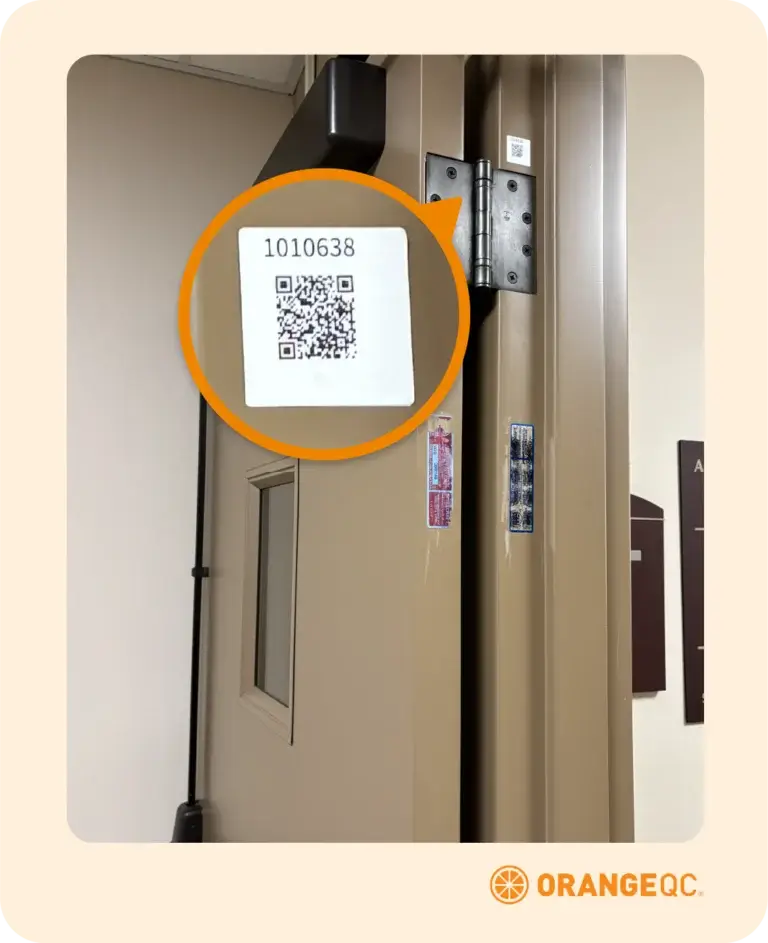
An illustration featuring a close-up of a QR code label on a door frame with a magnified inset, used for facility check-ins and employee visit tracking.

Save your team’s time​

The more complex your team’s operations, the more important simplicity becomes. QR code shortcuts bring everyone to the right spot so they can get to work.

  • Turn on employee visit tracking to create a log of your work on-site.

  • Use the same QR codes on public signage, or add small labels to spots like door jambs.

  • Cut down on time spent scrolling and looking for the right location or form.

Your areas already have QR codes

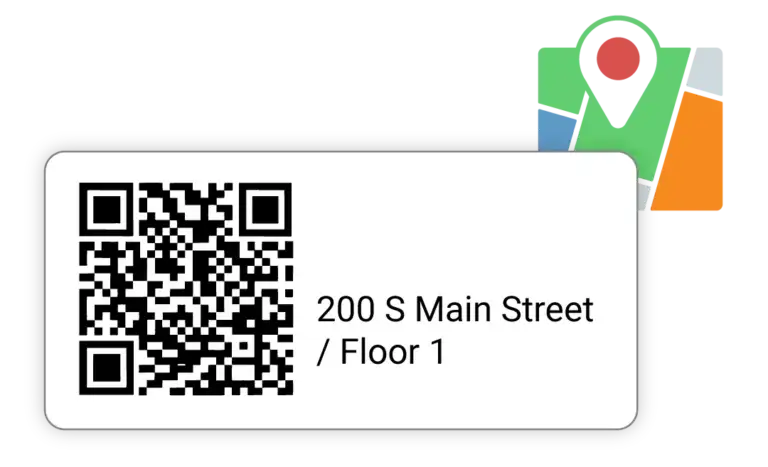
Every site, area, and space you create in OrangeQC comes with a premade QR code.

  • One code does everything you need for each space.

  • There’s no need to pay for an outside QR code generation service.

  • The codes are ready for your team whenever you’re ready to use them.

An illustration depicting a custom QR code label generated for location along with a graphic of a location marker.

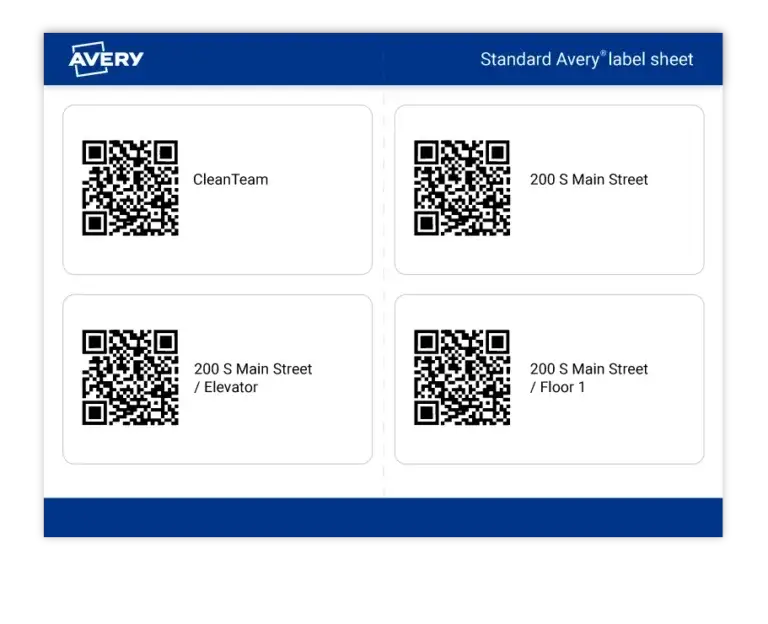
Easy printing with standard Avery label formats

An illustration depicting OrangeQC printable QR codes ready for inspection.

Easily get all the codes you need in a print-friendly format. There’s no endless wrangling with fiddly QR code images for all the sites, areas, and spaces you service.


Our QR codes export to printer-friendly files for durable Avery labels in common sizes. Choose from:

  • 2″×4″ (10 per sheet) for Avery 8163 labels

  • 1″×1″ (48 per sheet, door-jamb friendly) for Avery Presta 94103 labels

  • Larger images (4 per sheet) for public placards

Industries we serve

Ready to get started?

We built OrangeQC to help custodial and facilities teams improve quality. See how easy it can be to get powerful results when you use the right tool.